Teach your MT4 EA its worst-case scenarios —
before it risks a dollar.
Run LORENTZIAN through history in a backtest first, and every mistake it would've made gets fingerprinted and blocked — before you ever go live, not after you've already paid for the lesson. From there, one shared AI engine — The Brain — does the thinking behind every chart you open: six indicators, a nearest-neighbor match against market history, a second-opinion neural net, and a regime check all have to agree before MT4 is allowed to place a trade.
Two programs. One decision.
Every chart you attach the EA to is a sensor, not a strategist. All of the actual thinking happens in one place — so the logic, the risk rules, and the memory of past mistakes stay consistent no matter how many symbols or timeframes you're running.
MT4 · LorentzianBot Scalp
Attached to every chart — different symbols, different timeframes. Watches for new candles and manages whatever the brain decides.
- Sends the last ~4,000 candles on every new bar, tagged by symbol + timeframe
- Opens trades at your configured lot size, stop-loss, take-profit
- Grids into strong trends, trails stops to lock in profit
The Brain
One local Python process, shared by every chart. The first chart you open launches it; every chart after that just connects. Last chart closed, it shuts down.
- Local connection only — never touches the internet
- Runs the full indicator + KNN + neural net pipeline per request
- Holds the Black Book: one memory file per symbol + timeframe
Five checks have to agree before a trade fires.
Every new candle triggers the same sequence, in the same order. If any step disagrees, the answer is HOLD — no trade, no exception.
Score the market
Six indicators — RSI, ADX, CCI, WaveTrend, ATR, and distance from the 200 EMA — are calculated and converted into a standardized z-score, so today's reading is compared fairly against the symbol's own history.
Find the 15 closest historical moments
Lorentzian KNN searches the symbol's price history for the 15 patterns that most closely resemble right now, and checks what price actually did after each one.
Get a second opinion
A neural network trained per-symbol independently reviews the same setup. It has to agree with the KNN result, or the signal is dropped.
Confirm the regime
The signal is checked against whether the market is currently trending or ranging. A trend-following setup in a ranging market gets vetoed, even if steps 1–3 all say go.
Check the Black Book
The system's memory of its own losing trades gets the final word — detailed below.
The Black Book
Every trade that closes at a loss gets fingerprinted — the exact market pattern that led to it — and stored in a file dedicated to that symbol and timeframe (memory_v2_EURUSDm_M30.npy, for example).
See a near-identical setup again, and the brain silently vetoes it — even if every other check says BUY. It's the one part of the pipeline with a memory longer than the current chart.
You don't have to wait for live losses to fill it in. Run a backtest first, and every mistake it would've made on that historical data gets merged into the same memory — so the lesson is already learned before you risk a dollar. See how backtest-teaching works →
Each symbol's memory is inspectable and resettable, so a pair that's over-learned from backtest data doesn't go permanently quiet.
Watch it get taught
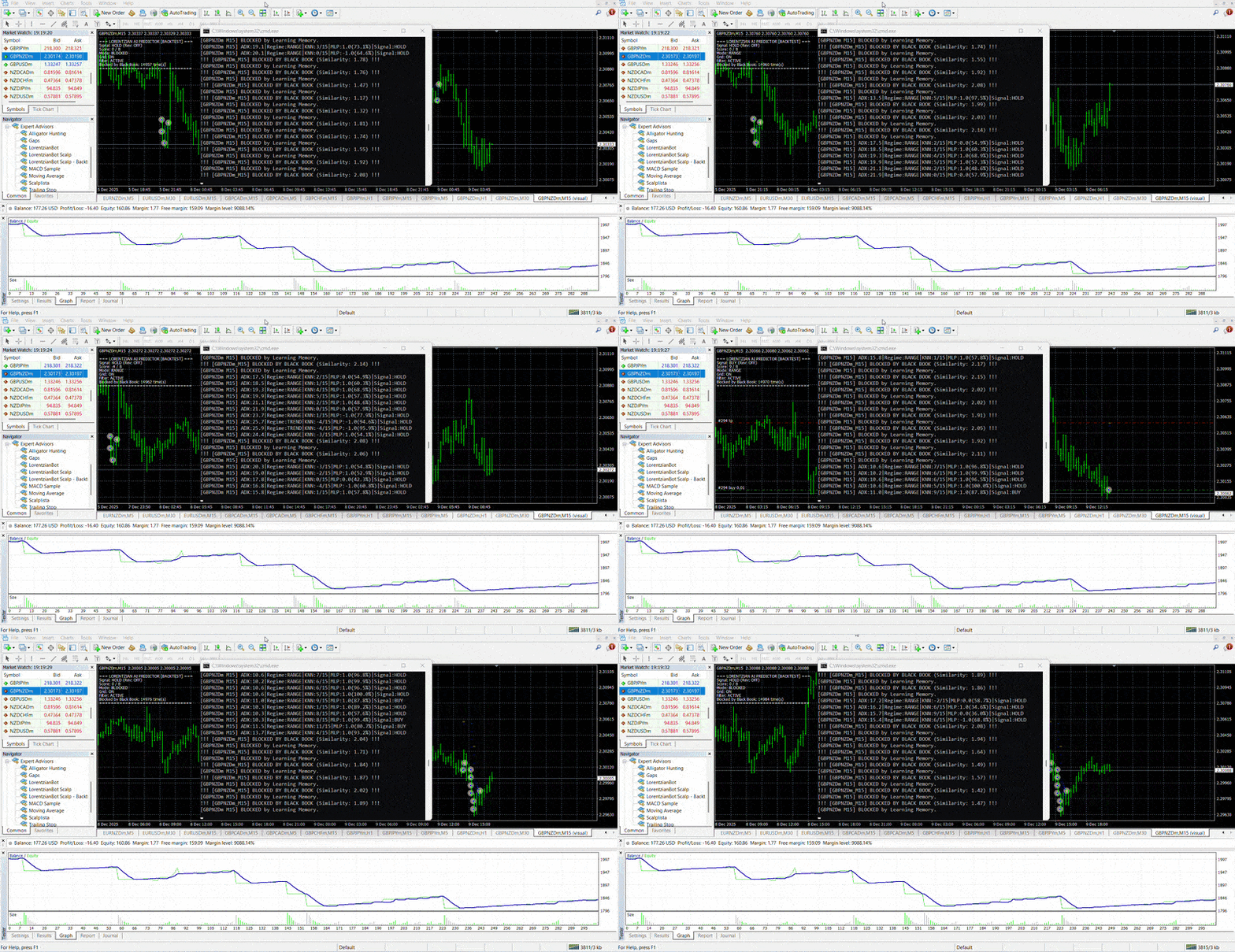
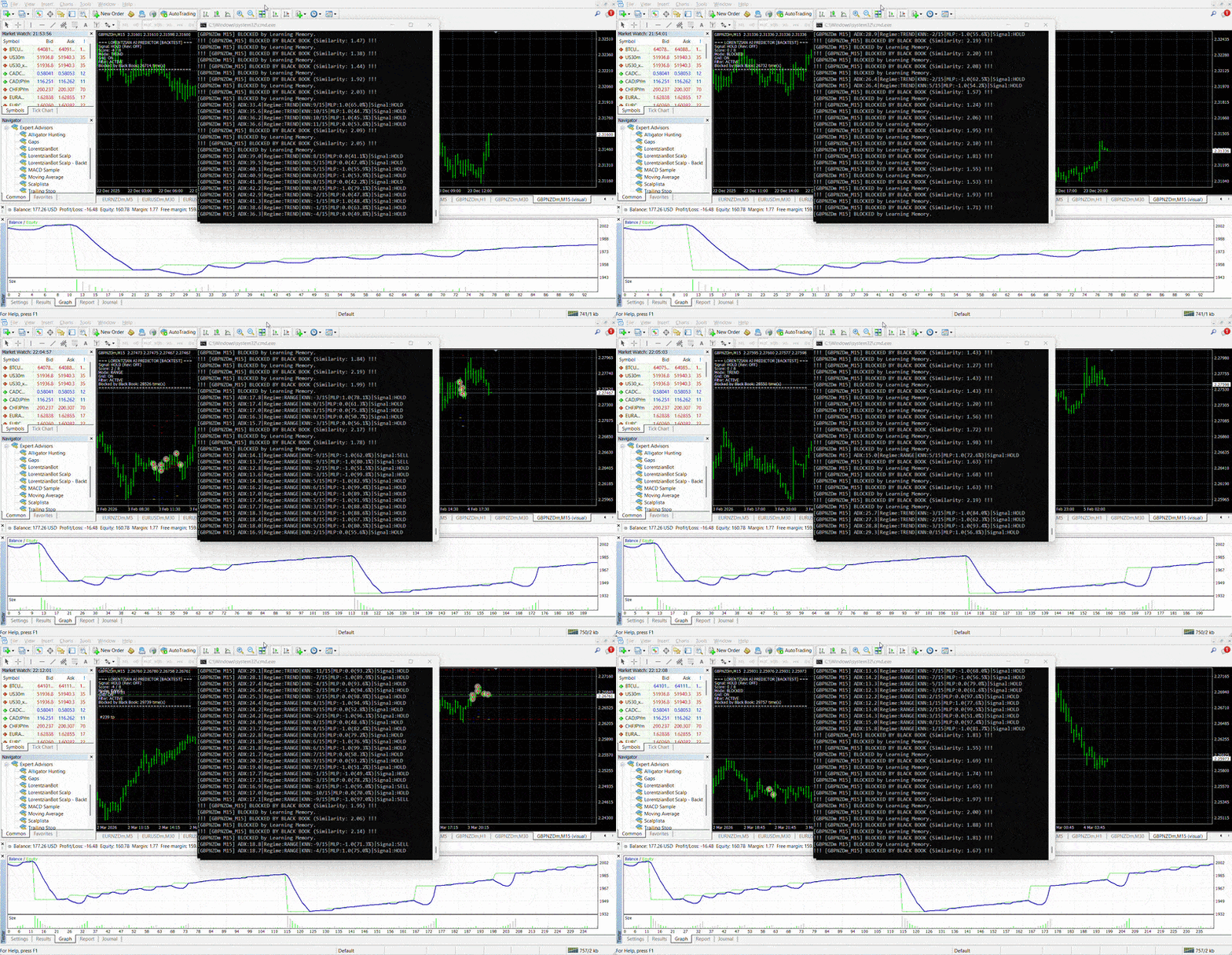
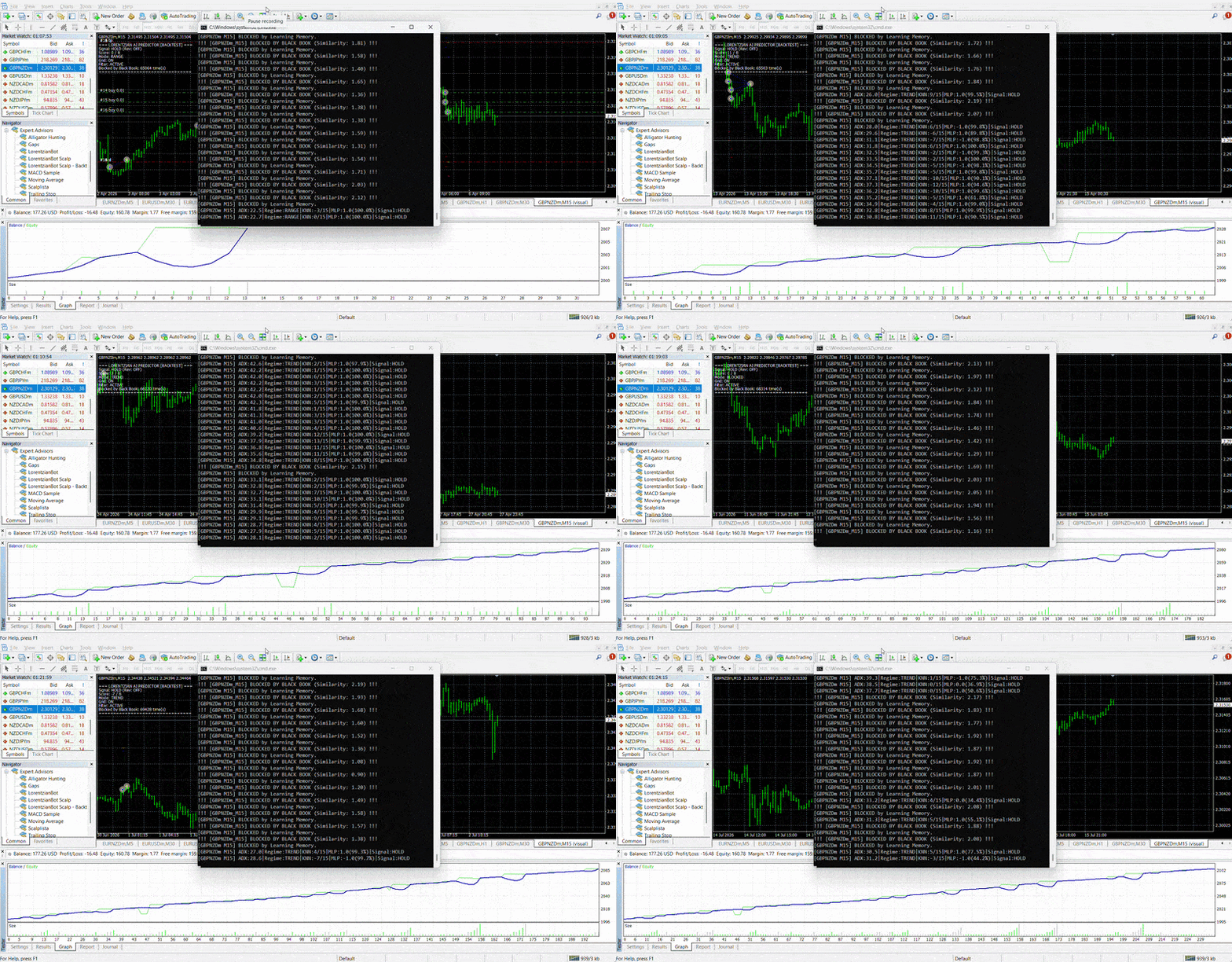
Three backtest rounds on the same setup — each one caught and blocked by the Black Book before the trade could open. Read the full walkthrough →
Built to fail safe, not just trade well.
Three account-wide limits sit underneath the brain's own decisions, independent of any single signal.
If equity ever drops 9% from balance, everything force-closes and new entries pause for a cooldown period.
Caps how many different symbols can hold open positions at once — configurable as you scale up.
Stops M1, M5, and M15 charts on the same symbol from all firing on one good setup and opening duplicate trades.
One license. Every symbol and timeframe.
No per-pair upsells — the brain is shared, so your license is too.
Have a promo code? Enter it at checkout — 47 of the first 50 accounts left
AI-driven MT4 trading system that learns from backtests before it risks real money — EA + standalone AI brain engine, 1 license for up to 3 MT4 accounts, setup guide included. Budget $100 balance per chart you run it on.
- ✓ LorentzianBot Scalp EA, unlimited charts
- ✓ The Brain engine + per-symbol Black Book memory
- ✓ Backtest-to-live teaching workflow — learn from history before risking real money
- ✓ Drawdown breaker, pairs limit, dedupe protection
- ✓ Setup guide for MT4 + local brain install
- ✓ Free updates to the decision engine
- ✓ 1 license key, usable on up to 3 MT4 accounts
Have a promo code? Enter it at checkout — 47 of the first 50 accounts left
The same Brain, the same Black Book, the same safety controls — billed monthly instead of paid up front.
- ✓ LorentzianBot Scalp EA, unlimited charts
- ✓ The Brain engine + per-symbol Black Book memory
- ✓ Drawdown breaker, pairs limit, dedupe protection
- ✓ Free updates to the decision engine
- ✓ 1 license key, usable on 1 MT4 account
- ✓ Cancel anytime
The full system on 1 MT4 account for 15 days. No payment method needed — upgrade only if you want to keep going.
- ✓ LorentzianBot Scalp EA, unlimited charts
- ✓ The Brain engine + per-symbol Black Book memory
- ✓ Drawdown breaker, pairs limit, dedupe protection
- ✓ 1 license key, usable on 1 MT4 account
- ✓ One trial per customer
Runs on your own PC or VPS. No signal-copying, no cloud dependency.
Budget at least $100 balance per chart you run it on — e.g. EURUSD M5 + BTCUSD M30 needs at least $200.
Before you install it
Is this financial advice?
No. LORENTZIAN is software you install and run on your own MT4 terminal and broker account. Nothing here is personalized investment advice, and forex trading carries substantial risk of loss — see the disclaimer below before you decide anything.
Do I need to keep my computer on?
Yes — The Brain and MT4 both need to be running for the system to watch charts and place trades. Most users run it on a low-cost VPS so it stays online continuously.
How many charts can I run at once?
As many as your terminal can hold. One instance of The Brain serves every chart — the first one launches it, the rest just connect. The concurrent pairs and max-entries limits keep multiple charts from opening duplicate trades on the same opportunity.
What broker or account type do I need?
Any MT4 broker that allows Expert Advisors and doesn't restrict automated trading. You'll want reliable low-latency execution since the brain reacts on every new candle.
How much balance do I need?
Budget at least $100 in account balance for every chart you run the EA on. Running it on two charts — say EURUSD M5 and BTCUSD M30 — means at least $200 balance between them. This is a practical minimum for position sizing and the drawdown breaker to work as intended, not a guarantee against loss.
Can I reset a symbol's Black Book if it's gone quiet?
Yes. Each symbol + timeframe memory file is separate and can be inspected or cleared independently if it's over-learned from backtest data and started vetoing trades you'd actually want.
Can I teach it before risking real money?
Yes — this is the recommended way to start. Run the EA through MT4's Strategy Tester with a separate copy of the AI engine attached, and it fingerprints every mistake it would've made on that historical data into its own isolated memory. A one-command merge tool then copies those lessons into your live setup, skipping anything it already knows, so it starts live trading having already learned from history instead of from your own losses.
How many MT4 accounts can I use my license on?
Every purchase includes one license key, activatable on up to 3 MT4 accounts at the same time — for example a live account, a demo, and a VPS. Restarting MT4 on an account you've already activated never uses up a slot. If you need to swap one out, deactivate it yourself anytime from My Account → License keys.
Read the full Risk Disclosure → · Read the Refund Policy →