Teaching the System with Backtests
Rather than starting the AI completely blank, you can run it through historical data in MT4’s Strategy Tester and let it learn from whatever it would have gotten wrong there — then bring that learning into your live setup. This is the recommended way to give the system a head start before risking real money.
How it works
brain_backtest.exe is a separate copy of the AI engine used only during Strategy Tester runs. It talks to the LorentzianBot-Scalp-Backtest EA on its own port (5655) and writes anything it learns into its own backtest_state folder — completely isolated from your live engine (The Brain, port 5555) and its memory files. A backtest can never affect a live trade, and a live trade can never affect a backtest.
Once you’re happy with a backtest, Merge-Backtest-To-Live.exe (usually run via its .bat wrapper) copies the newly-learned mistakes from backtest_state into your live memory files — skipping anything that’s already too similar to a mistake the live engine already knows about, so the same lesson doesn’t get added twice.
Step 1: Run a backtest with the AI attached
- Copy
brain_backtest.exeinto the same folder asbrain.exe. - In MT4, open the Strategy Tester and select the LorentzianBot-Scalp-Backtest EA, with the symbol, date range, and model you want to test.
- On its Inputs tab, set
AI_WORKING_DIRto your install folder, and setAI_EXECUTABLEtobrain_backtest.exe— this overrides the input’s default, since the backtest EA doesn’t launch a process automatically out of the box. - Run the backtest. When it finishes, a
backtest_statefolder appears next tobrain_backtest.exewith everything it learned.
Watching it learn
Here’s the same setup run through three backtest rounds in a row. Each round, the Black Book has more history to check against — and blocks more of the trades that would’ve lost.
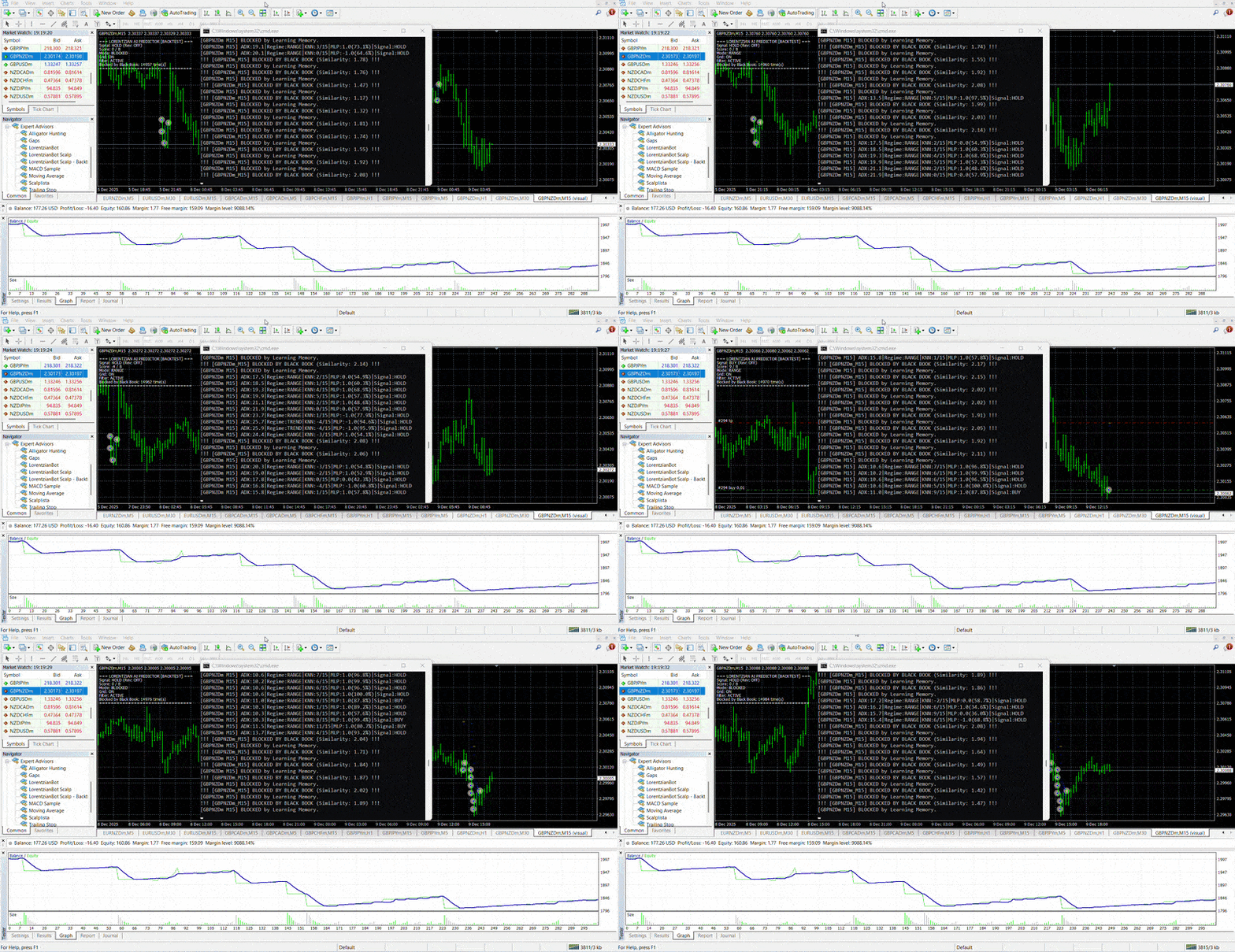
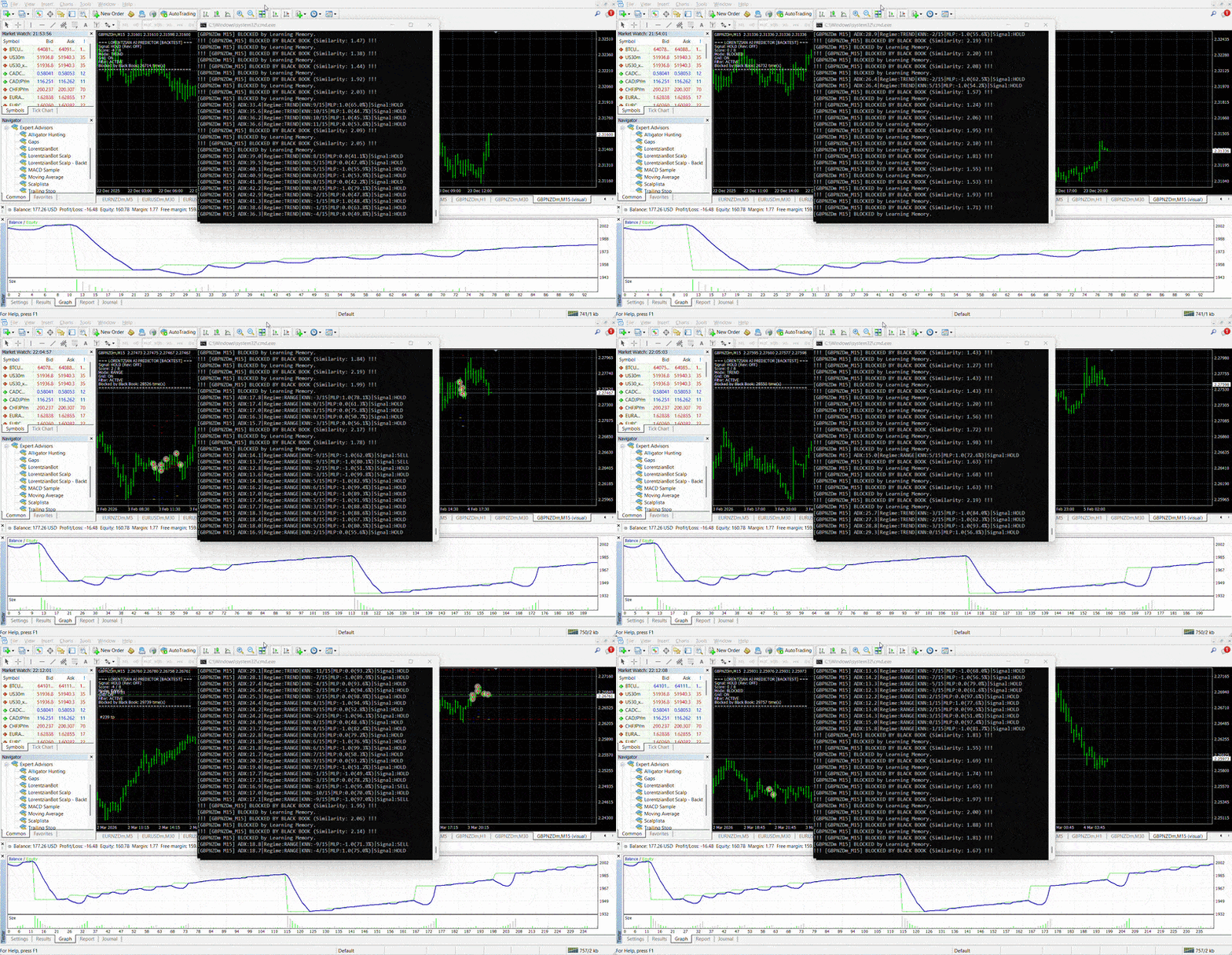
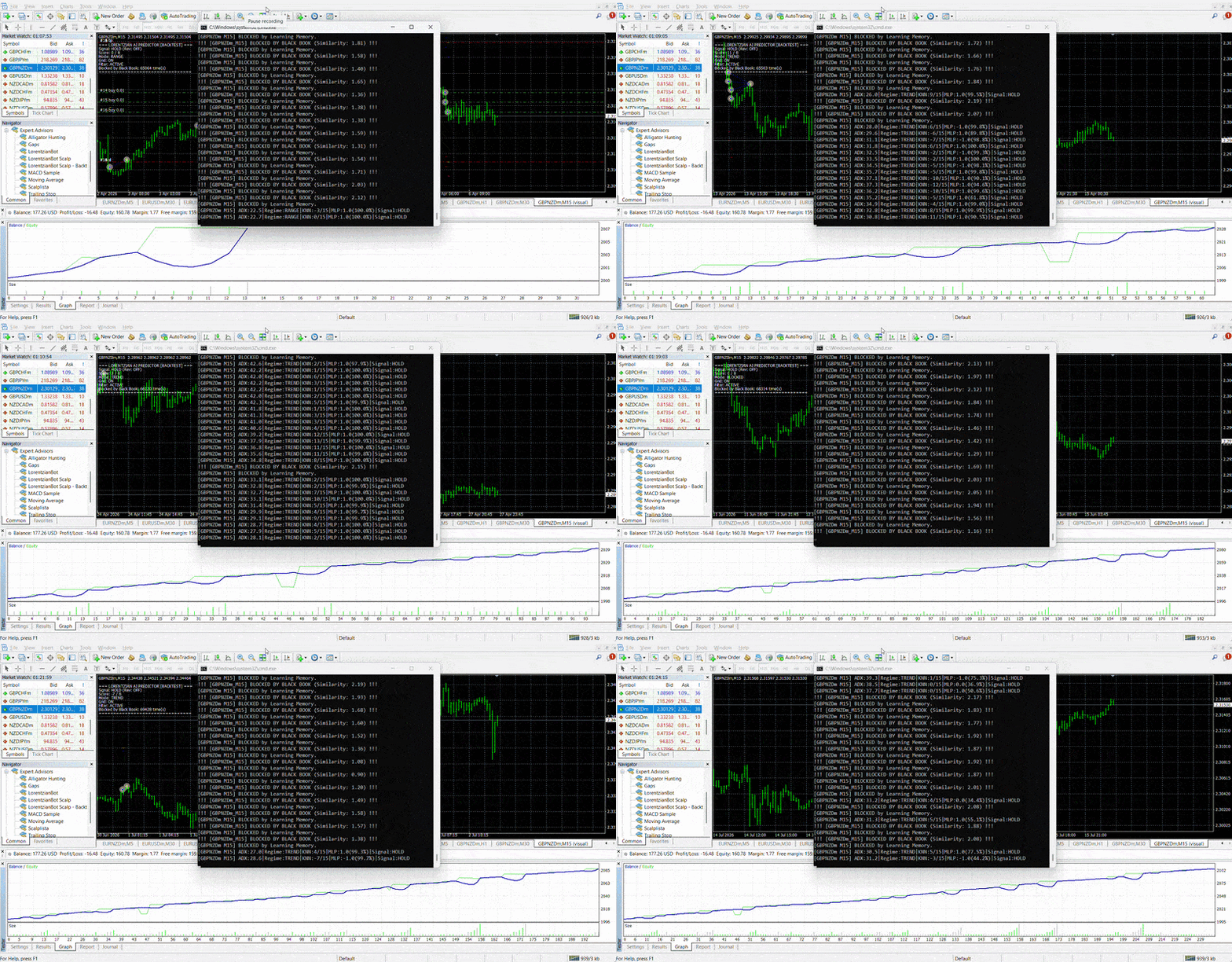
Once a round like this looks right, move on to the merge step below.
Step 2: Merge that learning into your live setup
- Close
brain.exefirst. - Run
Merge-Backtest-To-Live.batfrom your install folder. - It shows a dry run first — exactly what would change, per symbol — before writing anything.
- Type
YESto actually apply it. Every file it changes is backed up automatically first. - Restart
brain.exe, or just wait — each symbol’s memory reloads automatically the next time it requests a signal.
Repeat as you go
This isn’t a one-time step. Every time you backtest a new date range, a new symbol, or after a live losing streak you want the system to learn from, you can run the same merge process again — it only ever adds new, non-duplicate entries on top of what’s already there, up to the per-symbol cap.
This is not a guarantee
Teaching the system from a backtest reduces the odds of it repeating a specific, previously-observed mistake on a specific symbol. It does not predict future price movement, and past backtest results do not guarantee future performance. Treat it as one input into your own risk decisions, not a substitute for them.